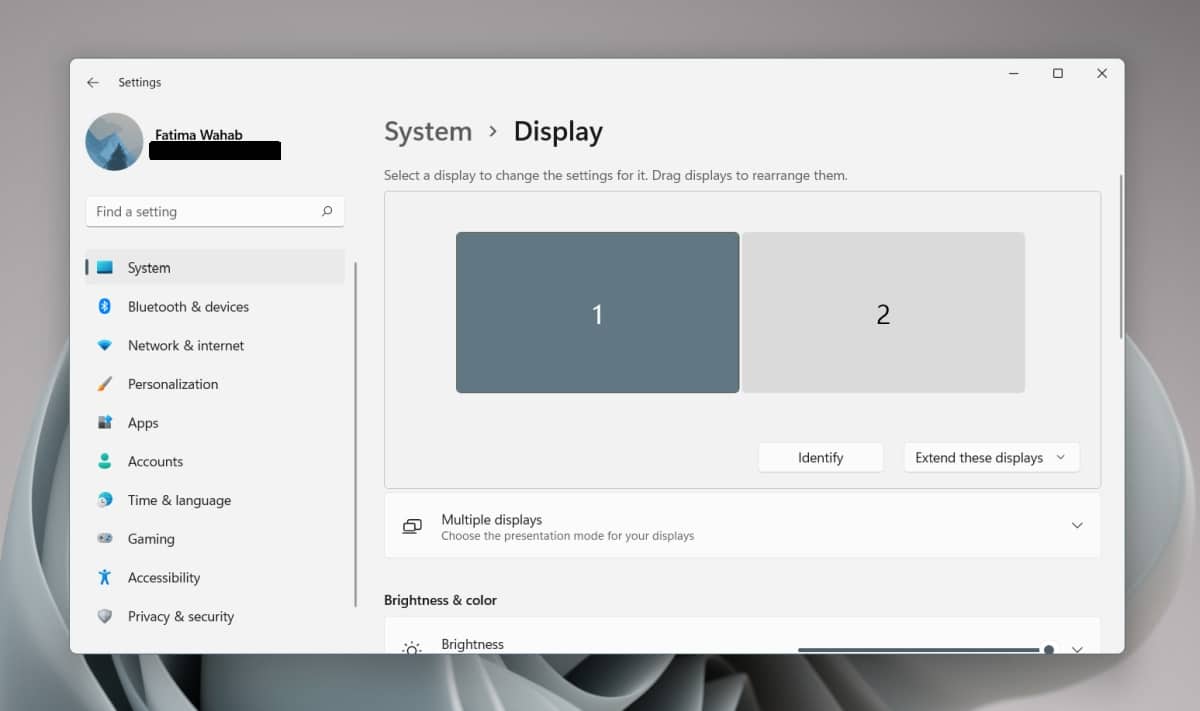
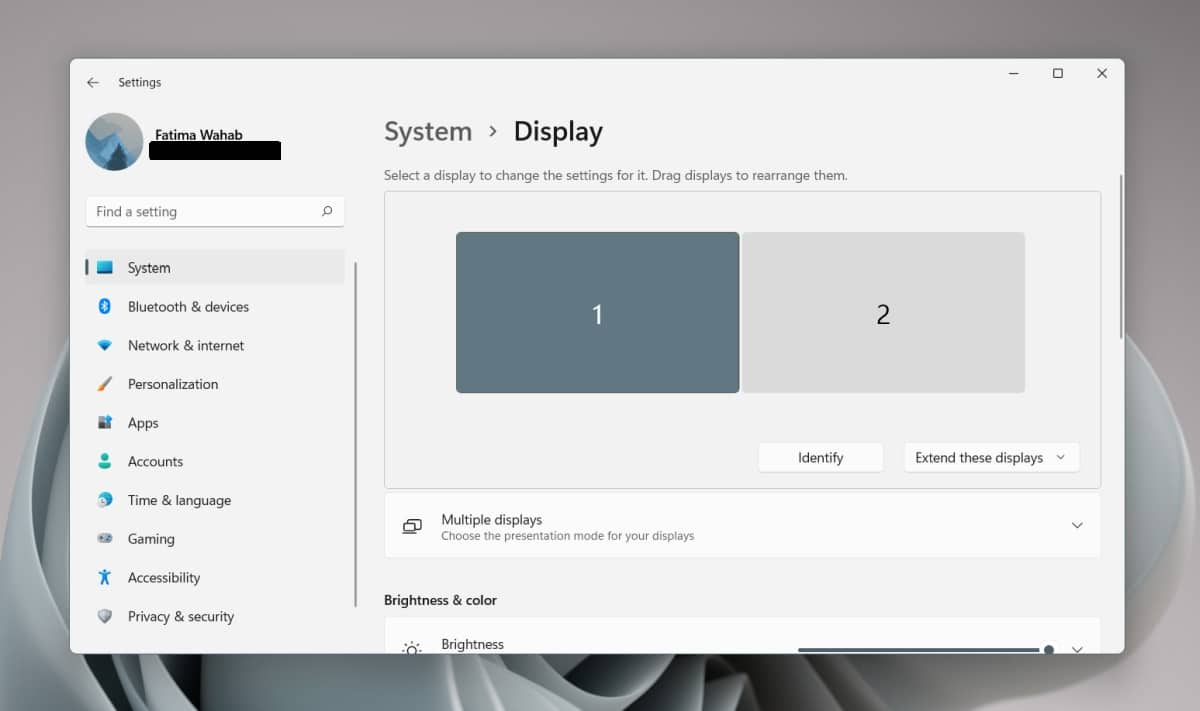
How do I get rid of the taskbar on my second monitor Windows 11?
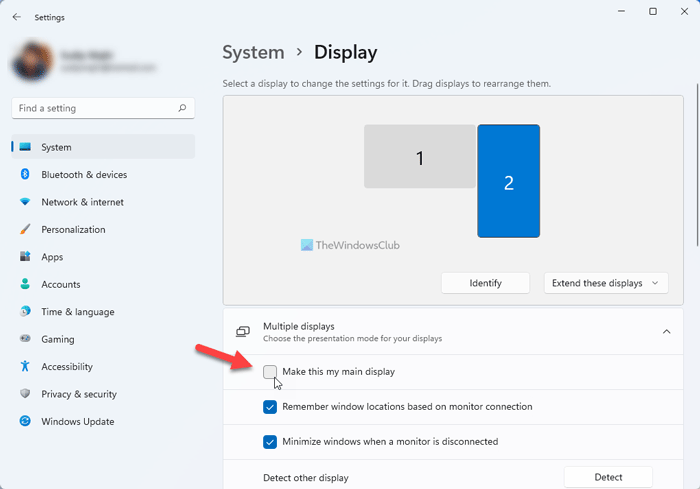
Set Windows 11’s Taskbar to Auto-Hide With Multiple Monitors Scroll the “Taskbar” menu to the bottom. There, click “Taskbar Behaviors.” In the menu that opens, disable the “Show My Taskbar on All Displays” option. How do I get the Taskbar on just one monitor Windows 11? Click the Taskbar tab. Click the Taskbar behaviors settings. Clear the “Show my taskbar …