How do I stop my PDF files from opening in Chrome?
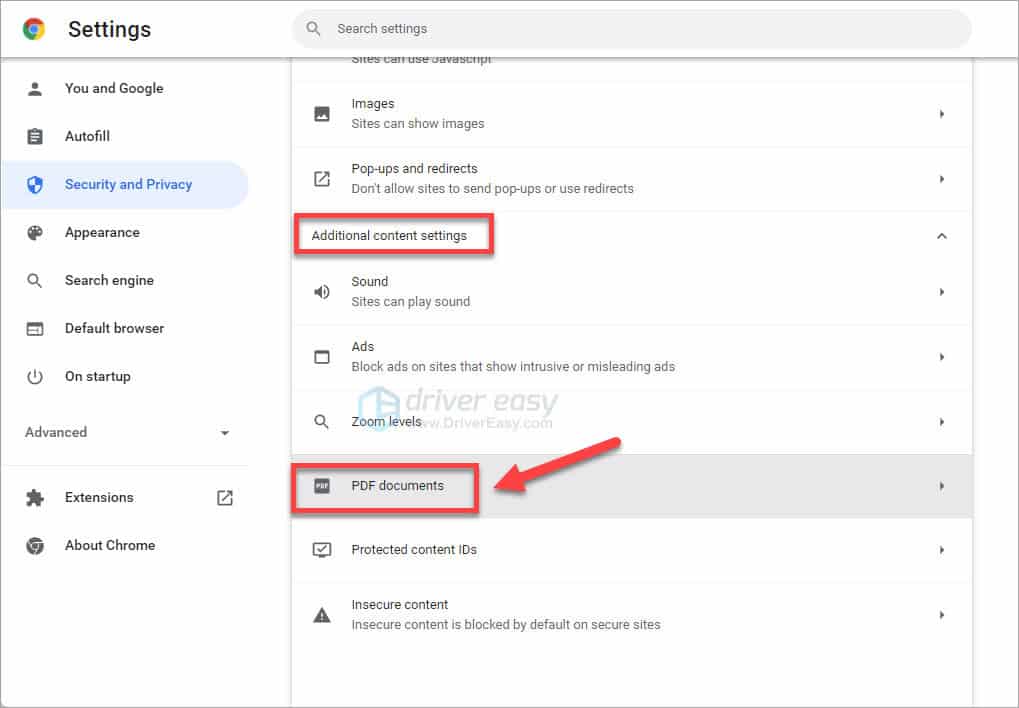
It’s a quick fix if you follow these steps: Step 1: Open Chrome and type “about:plugins” into the omnibox at the top. Step 2: Scroll down and find Chrome PDF Viewer. Step 3: Click the “Disable” link to prevent PDFs from loading within Chrome. Why do all my PDFs open in Chrome? Sometimes even when setting Adobe Acrobat DC as …