Anúncios
If you’ve ever wrestled with tangled charging cables or wondered why your wireless charger is so slow, let’s talk about something fresh: Qi2 wireless charging. This new tech isn’t just another upgrade—it’s a game changer for phones, earbuds, and more. Finally, simple, fast, and reliable wireless power without the fuss.
| Main Point | Why It Matters |
|---|---|
| Qi2 uses magnetic alignment | Charges faster and more accurately |
| Works with many devices | Universal power, less hassle |
| More eco-friendly design | Saves energy and reduces waste |
| Higher safety standards | Protects battery and device |
| Big brands on board | Major phones get Qi2 first |
What Exactly Is Qi2 Wireless Charging?

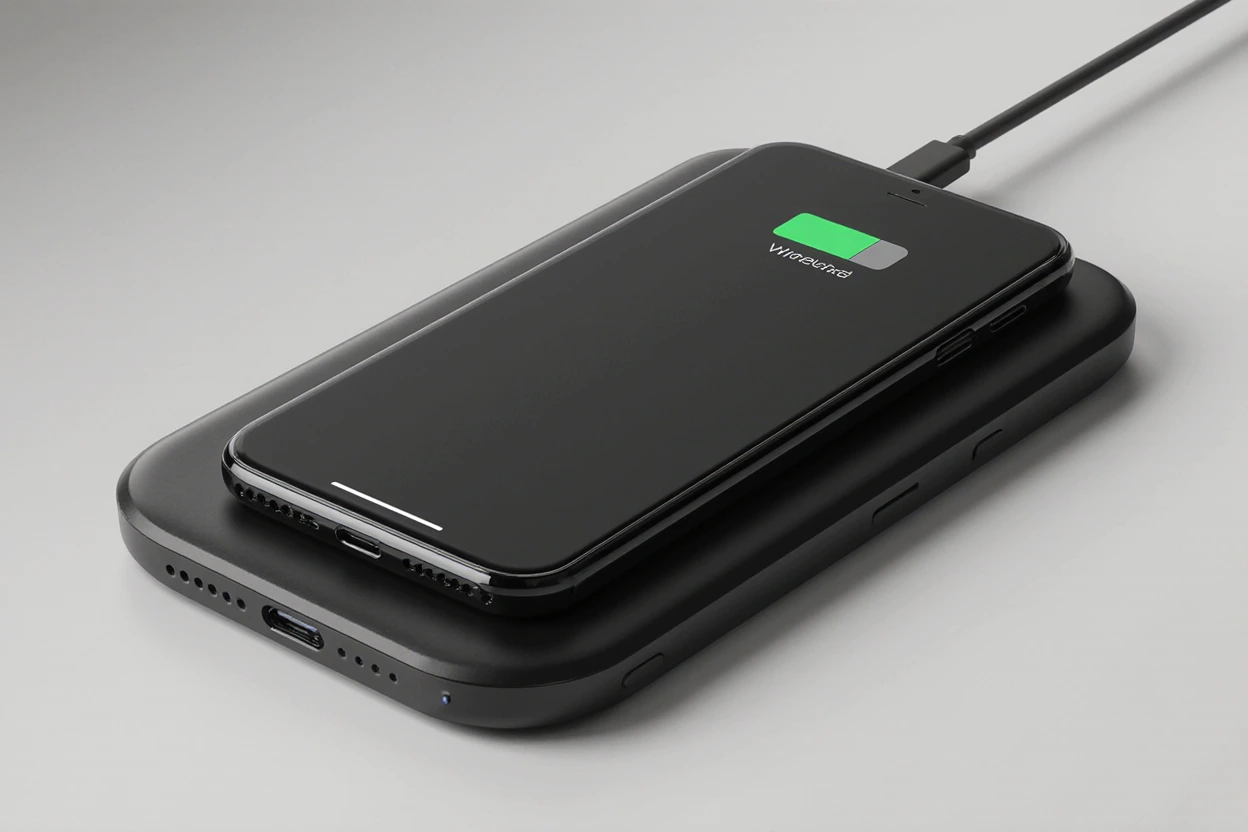
Qi2 is like the wireless charger’s glow-up. Older Qi chargers worked… okay, but sometimes your phone didn’t line up right, making charging slow or stop altogether. With Qi2, magnets help snap your device perfectly into place, so you get top-speed charging every time.
Anúncios
Main Features of Qi2
- MagSafe Compatibility: Qi2 uses magnetic alignment just like Apple’s MagSafe, but now it’s not limited to iPhones.
- Better Power Efficiency: Less wasted energy means cooler devices—no more warm phones after charging!
- Universal Standards: Qi2 chargers work with a bunch of brands, including Samsung and Google, so you don’t need a special charger for each device.
- Safety Improvements: Qi2 chargers monitor temperature and power flow to protect your battery long-term.
Also read: Best Places to Sell Websites
Qi2 vs. Standard Wireless Charging: Quick Comparison
| Feature | Old Qi Standard | Qi2 Wireless Charging |
|---|---|---|
| Alignment | Manual (easy to miss) | Magnetic (easy, precise) |
| Charging Speed | Decent | Faster, reliable |
| Compatibility | Mixed | Much broader |
| Temperature | Sometimes hot | Stays cooler |
| Supported Brands | Limited | Expanding rapidly |
Why Is Qi2 Getting So Much Hype?
The short story? Qi2 solves real problems. No more guessing if your device is charging. Forget about slow wireless pads or overheating phones. Qi2’s magnetic snap means charging is always locked in—like when your phone clicks to a MagSafe ring. And you know what? Major brands are all in, from Apple to Samsung. That means Qi2 accessories will be everywhere soon.
Anúncios
Real-Life Wins With Qi2 ⚡
Here’s a quick personal story: I used to keep a wireless pad beside my bed, but my phone barely charged unless I nudged it perfectly. After switching to a Qi2 charger, my phone locks in and charges even with my eyes shut (late-night scrolling, anyone?). Even my earbuds get a reliable power-up now—no more empty cases when I rush out the door.
Top Benefits of Qi2 Wireless Charging
- No More Fiddling: The magnets line everything up, so you don’t have to.
- Faster Charging: No more waiting around while your phone crawls to 100%.
- One Charger, Multiple Devices: Use one Qi2 pad for your phone, earbuds, and future gadgets.
- Safer Charging: Qi2 checks heat and stops when things get too warm.
- Eco Bonus: Reduces cable clutter and energy waste.
Which Devices Support Qi2 Wireless Charging?
Right now, you’ll find Qi2 in:
- Many new smartphones (iPhone, Samsung Galaxy, Google Pixel)
- Wireless earbuds with charging cases
- Upcoming smartwatches (rumored)
- Brands like Anker and Belkin are launching Qi2 chargers [see manufacturer guides for updated lists]
Qi2 Wireless Charging: Is It Worth It?
Honestly, if you want quick, easy, and worry-free charging, Qi2 is the answer. Whether you’re plugged into the latest tech or just want fewer wires in your life, this new option is simple and works. Plus, it future-proofs your setup for devices coming next year.
Qi2 Wireless Charging In a Nutshell 🌟
Qi2 is the future—making wireless charging smarter, faster, and way less annoying. Look for Qi2 accessories and devices now, and get ready for a world without cable chaos.
Qi2 Compatibility: Will Your Gear Work?
Wondering if your stuff needs new chargers? Here’s the deal: Qi2 works with tons of new phones and accessories, but older gadgets might miss out on cool features like magnetic alignment. Most new releases from popular brands like Apple, Samsung, and Google have Qi2 baked in, while older Qi-compatible devices still work—they just don’t get all the speed and convenience.
Also read: Best VPS Server for n8n
Compatibility Table
| Device Type | Qi-Compatible | Qi2-Compatible |
|---|---|---|
| New smartphones | Most recent models | All major brands (2024+) |
| Older phones | Yes | Limited or none |
| Earbuds cases | Some brands | Growing support |
| Smartwatches | Mixed support | More coming soon |
Setting Up Qi2 Wireless Charging

Getting started is a breeze. Here’s how:
- Get a Qi2 Charger: Choose one that fits your desk, nightstand, or even your car.
- Check Your Device: Make sure your phone or earbuds say “Qi2-compatible” somewhere (box, manual, manufacturer site).
- Place and Snap: Drop your device on the charger—the magnets should pull it into place.
- Watch the Battery Climb: Most Qi2 chargers have an LED so you’ll know it’s working.
- No Stress: If something feels warm, Qi2 tech helps shut things off safely.
Expert Tips to Max Out Qi2 Wireless Charging
- Keep the Charger Clean: Dust can mess with the magnetic alignment. Wipe it down now and then.
- No Metal Cases: Metal and magnets don’t mix well—use a plastic or MagSafe-compatible case for the best results.
- Use OEM Accessories: Chargers from phone-makers tend to perform better.
- Update Firmware: Some brands include wireless charging tweaks in system updates—check if one’s waiting.
- Travel-Friendly: Qi2 chargers work worldwide and are great for travel (one pad, multiple gadgets).
Qi2 + Tech Trends to Watch
Qi2 isn’t just a one-and-done upgrade. Look out for:
- Automotive Integration: Cars with Qi2 pads for easy phone drops on the go.
- Smart Home Setups: Qi2 chargers built into furniture and counters—no more searching for plugs.
- Long-Range Charging: Research is pushing for wireless charging at a distance. Qi2 is the starting point.
- Eco Progress: Fewer cords means less waste. Qi2 helps cut plastic pollution bit by bit.
FAQs About Qi2 Wireless Charging
Q: Does Qi2 charge faster than my old charger?
A: Yup, thanks to better alignment and smarter energy flow.
Q: Can I use my old Qi charger with new Qi2 phones?
A: Yes, though you’ll miss out on the snapping and speedy charge.
Q: Is Qi2 safe for batteries?
A: Qi2 is engineered to watch for overheating and overcharging, so it helps keep batteries healthy.
Q: What about charging in the car or airport?
A: Qi2 tech is popping up everywhere—expect pads in more places soon!\
Also read: Robin Image Optimizer
Wrapping Up: Qi2 Is Wireless Charging the Way It Should Be
Wireless charging shouldn’t be tricky. With Qi2, it isn’t. You just drop your device on the pad, hear the little “click,” and see your battery jump up. Less waiting, less mess, more freedom. Qi2 is about making tech easier, faster, and safer for everyone.
Ready for the switch? Grab a Qi2 charger, check your device compatibility, and say goodbye to cable chaos. Wireless charging just got real.