
Creating Online Forms: A Step-by-Step Guide - Adcod.com

Creating Online Forms: A Step-by-Step Guide

Anúncios

Good news: You can Build high-quality HTML forms in literally minutes. Use them anywhere with Headlessforms form backend solution. (did our title ruin the surprise??). Let’s spend even less time showing you how by walking through a few simple steps!

Set-Up Is Easy and Free

Anúncios

  1. Connect Your Form

Pointing the action attribute of your form to our URL will enable submissions to be sent to your email address.

<form  action=”https://app.headlessforms.cloud/api/v1/form-submission/{FORM_TOKEN}” method=”POST”>

Anúncios


  1. Add Name Attributes

Include a name attribute in all form elements (i.e., <input>, <select>, and <textarea>) to receive the submission data.

<input type=”email” name=”email” />


  1. Use the form

Collect submissions, receive emails and automate your form.


Online forms make it simple to gather intelligence from existing and future consumers. Creating an online form can bring countless business benefits. If you want to collect data for better decision-making, building an online form is one of the easiest ways to gather information from customers or prospects.

To improve business operations, every organization requires accurate data. You can easily capture data from clients, opportunities, and references by developing and sharing an application online that collects information to aid in information strategic thinking.

So, let’s have a better look at some of the things that can help you discover how to create an online form.

First steps to create web forms


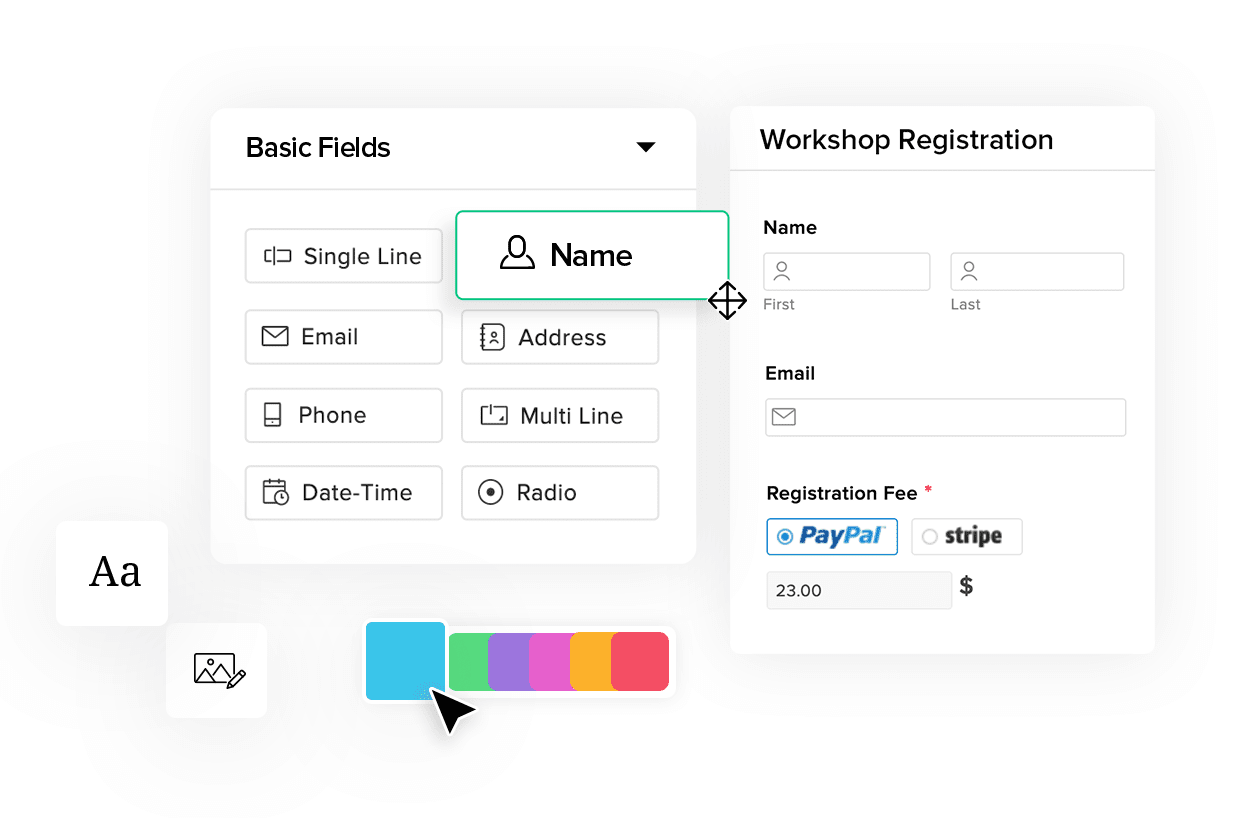
An online form is an interactive web page or HTML form that allows the user to input information. You can create a quick static form and link to Headlessforms for dynamic features. Everything you need to make the form experience better for your users using the same platform so your user can relate to your brand identity as similar as your website. You can use them in as many applications as you need. And you should first make sure to cover your bases. Here are the two steps you need to consider before building your online forms:


  •   Define your purpose

One of the first things you will have to do when you create online forms is to define your purpose. Once you do that, you’ll know what fields and features your form should have and you will be able to dive deeper and explore the functionalities of your form backend tool out there.

The structure of your form will depend on what you plan to find out and the type of information you need to collect. For instance, lead generation forms, employee surveys, and event registration forms will all have a different format and they will collect data differently. A good form backend solution will be able to help you create all these forms (and more).

  •   Look for the trust from your form backend solution

Where you can collect your data easily and pay attention to your data when it comes to the security.

There are some features needs to cover, no matter your purpose.

Those features are:

  • Set-Up Is Easy and Free
  • Easy integrations with other platforms that you frequently use
  • Conditional logic that allows you to display form fields according to users’ input
  •   Inherit your website’s CSS, giving your forms a custom-branded look.
  • Simple customization and the option to add different types of fields into your form (such as radio buttons, text box fields, “Sign Here” fields, drop-down menus, and so on.)
  • Fully customizable to your company’s exact needs.
  • A 24/7 support team that will offer you guidance and help you fix any problem
  • Mobile-friendliness that gives you the ability to use any size of forms for screens of all sizes, so they can be displayed on mobile devices too
  • Great safety and security features, as well as strong encryption technology
  • The option to create online surveys is also very appreciated
  • The ability to add a file uploads field will also be useful if you want to collect information and files (such as documents or images) from potential customers, job candidates, etc.
  • Allow you to integrate your form responses with other tools (such as email marketing tools, project management tools, or Google Sheets, for example.)


Still have questions? We’re here to help!

For even more tips and how-to guides on different topics, you can visit HeadlessForms Documentation

And apart from that, if you need assistance, you can contact us by live chat or email.

You may also like:

Computer BIOS setup screen

Dual Boot Windows & Linux Guide – Ubuntu / Fedora Installation

Anúncios Welcome to the comprehensive dual boot guide for your site at adcod.com. With over 20 years of copywriting experience in the tech niche, this post is polished for readability, SEO visibility and step-by-step clarity. If you want to run both Windows 11 (or Windows 10) and a Linux distribution like Ubuntu or Fedora on…
Phone screen showing malware scanning progress

How to Clean Malware & Adware on Android

Anúncios If you own an Android device and suspect it is infected with malware or adware, you’ve come to the right place. As a copywriter with over 20 years of experience in the technology niche, I’m going to walk you through how to identify, remove, and prevent malware and adware on your Android device —…
Flat-style illustration of monitoring software and performance charts.

How to Detect Malicious Processes in Task Manager

Anúncios When it comes to digital security the deceptively simple tool known as the Task Manager in Windows is one of your first lines of defence. But simply opening Task Manager and glancing at the running processes is only the start. In this post we’ll walk you through how to detect malicious processes step-by-step —…
WordPress admin panel running a database cleanup plugin

How to Clean and Optimize the WordPress Database

Anúncios Managing a WordPress site means dealing with more than just themes and plugins. Over time your database accumulates clutter: post revisions, spam comments, unused tables, transients, orphaned meta data. That bloat slows your site, stresses your server, and degrades user experience. In this post, we will explain how to clean and optimize the WordPress…
“Backup Now” button with database and file icons

How to Activate Automatic Backups in WordPress

Anúncios In the fast-moving world of technology, nothing is more critical than ensuring your digital assets are safe. Your WordPress site is no exception. A single hack, server failure, or plugin conflict can undo months or even years of work. That is why automatic backups are not optional, they are essential. In this post I…
Illustration of WordPress database export and import process.

How to Migrate a WordPress Site Without Errors

Anúncios Migrating is not just about moving files from one server to another — it’s about preserving your digital presence, maintaining user trust, and ensuring uninterrupted access to your content. A well-executed migration can also serve as an opportunity to optimize your site’s performance, clean up unused plugins, improve database efficiency, and even enhance security…
Understanding Data Deletion

How to Set Up a Local Server XAMPP, WAMP, MAMP

Anúncios Setting up a local server environment is one of the first steps for any web developer who wants to build, test, and run projects safely before publishing them online. Whether you are creating a new website, testing PHP scripts, or working on a WordPress installation, having a local environment can save time, protect your…
Cybersecurity Defense Concept

How to Protect Your Computer from Ransomware: Complete 2025 Security Guide

Anúncios If you use a computer for work, study, or personal life, you’re at risk of encountering ransomware. This digital threat has become one of the most profitable forms of cybercrime worldwide, capable of locking your files, paralysing your system, and demanding a ransom to get your data back. The good news? You can dramatically…
Pourquoi mon Mac est-il lent ? 10 solutions pour l’accélérer

Why Is My Mac Running Slow? 10 Fixes to Speed It Up

Anúncios Why is my Mac running slow? If you’ve ever asked yourself this question, you’re not alone. Even powerful and reliable Macs eventually start showing signs of slowdown: apps take forever to load, your browser crawls, and sometimes the whole system freezes. The good news is—you don’t have to buy a new Mac. With the…
How to Fix a Loud Laptop Fan

How to Fix a Loud Laptop Fan: A Practical, Step‑by‑Step Guide

Anúncios A loud laptop fan is a symptom, not the root cause. Excess heat from dust buildup, blocked airflow, runaway apps, or aging hardware can push the fan to max RPM. This guide gives clear, prioritized steps—from quick, no‑tools fixes to deeper cleaning and repair cues—to quiet the noise safely and effectively. A loud fan…








